
Magnifier Engineering and Trading Company ( Metco )
Importer / Distributors of Industrial Machine Tools & Metal Fabrication Equipement
An ISO 9001 - 2015 Certified Company

Importer / Distributors of Industrial Machine Tools & Metal Fabrication Equipement
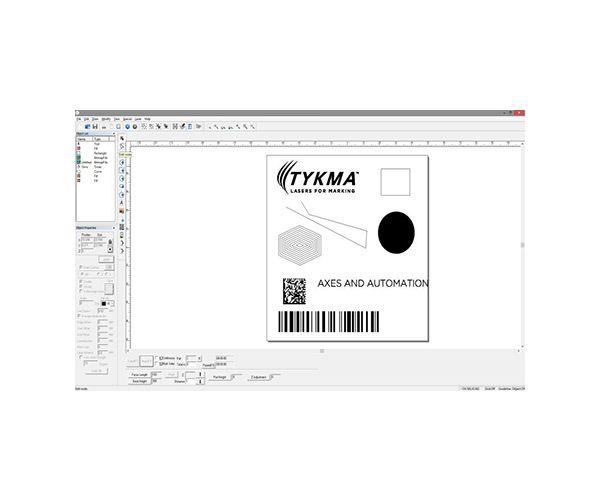
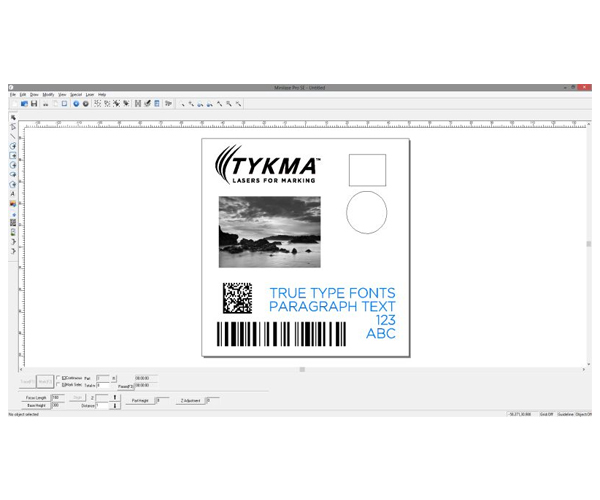
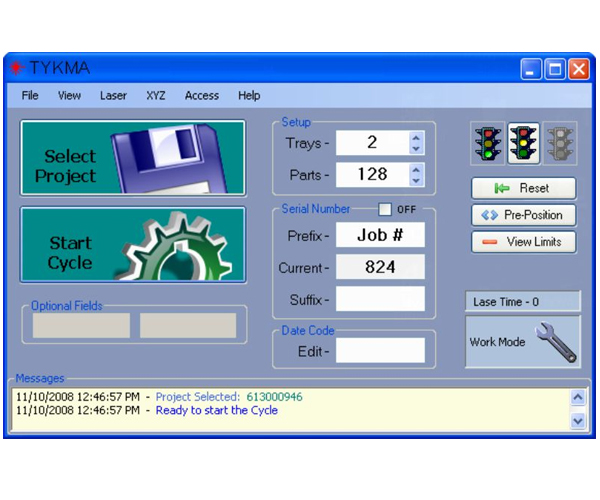
Minilase™ Pro SE runs on Windows XP, 7 and 8 Professional 64-Bit. Installing the laser marking software is easy and only takes a few short minutes. Once installed the software automatically detects the USB connection to your laser marking system and you are ready to program.
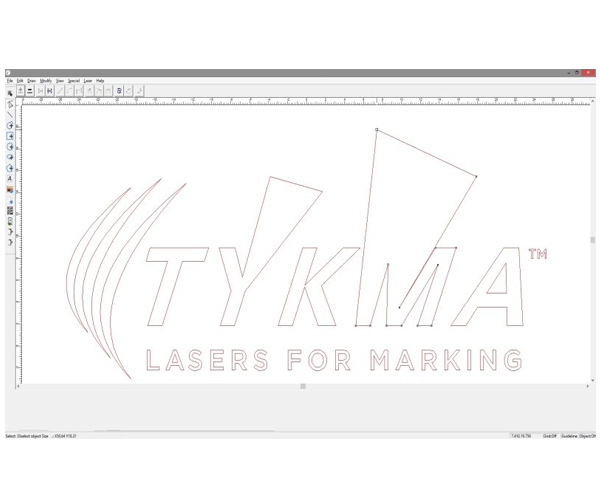
Basic marking file creation is simple with Minilase™ Pro SE. Quickly create marking files with text, barcodes, 2D codes and a variety of graphic formats such as DXF, AI, PLT, Bitmap and JPEG. Minilase™ Pro SE even features CAD type tools, allowing you to draw your own graphics and manipulate complex DXF and PLT files. Automated date coding and serialization capabilities are also included. A pre-programmed materials library takes the guess work out of setting up laser marking parameters.
Minilase™ Pro SE Laser Marking Software combines a user-friendly interface with advanced capability for customization and external controls.
Control up to 2 external axes, such as XY tables, focal height adjustment and rotary. Utilize discreet I/O, Ethernet or serial communications for external handshaking with a variety of databases, PLC’s, etc.